Iskra OCR Scanner
Choose the right engine for the job: Windows Native OCR for instant extractions, Rapid AI for deep offline processing, or Mistral AI for maximum cloud accuracy.
Choose the right engine for the job: Windows Native OCR for instant extractions, Rapid AI for deep offline processing, or Mistral AI for maximum cloud accuracy.
Switch seamlessly between local privacy and high accuracy cloud capabilities
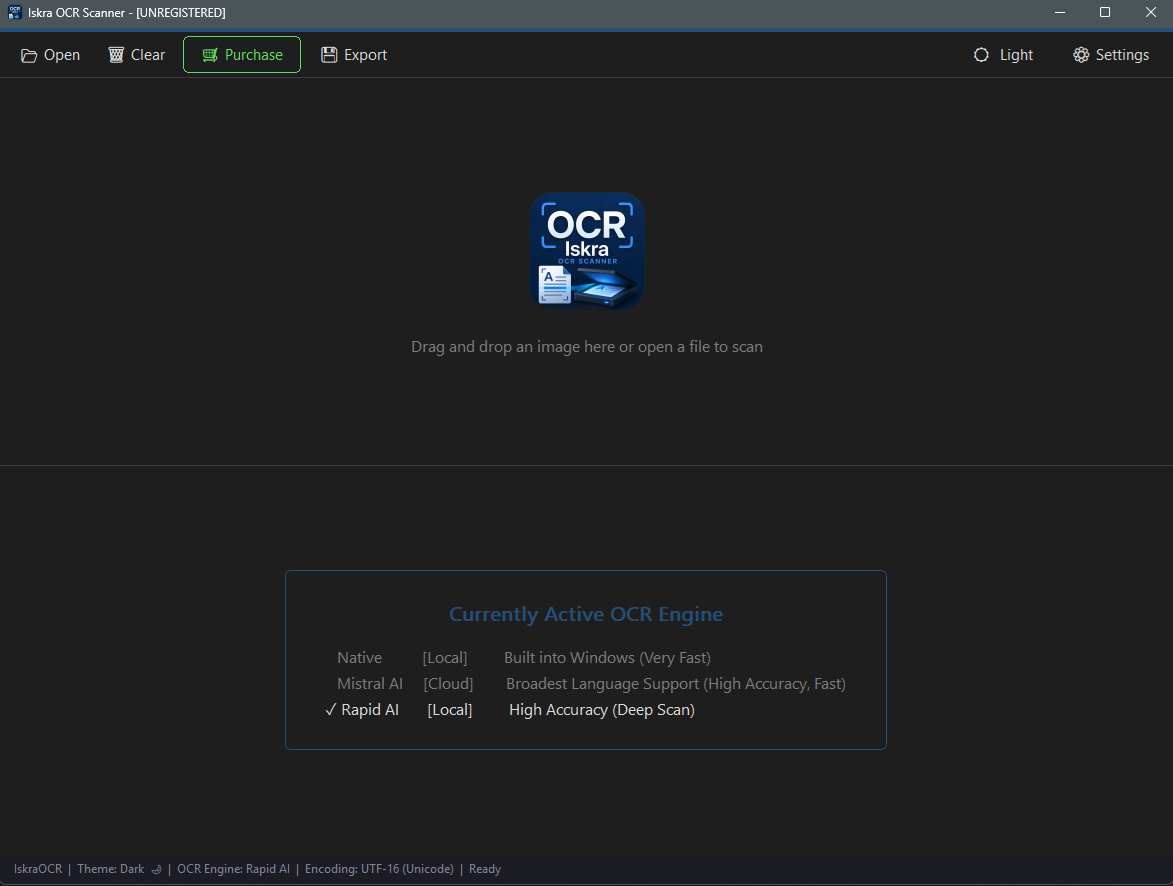
Uses Windows built-in OCR APIs. Instant performance, zero setup, and works entirely offline.
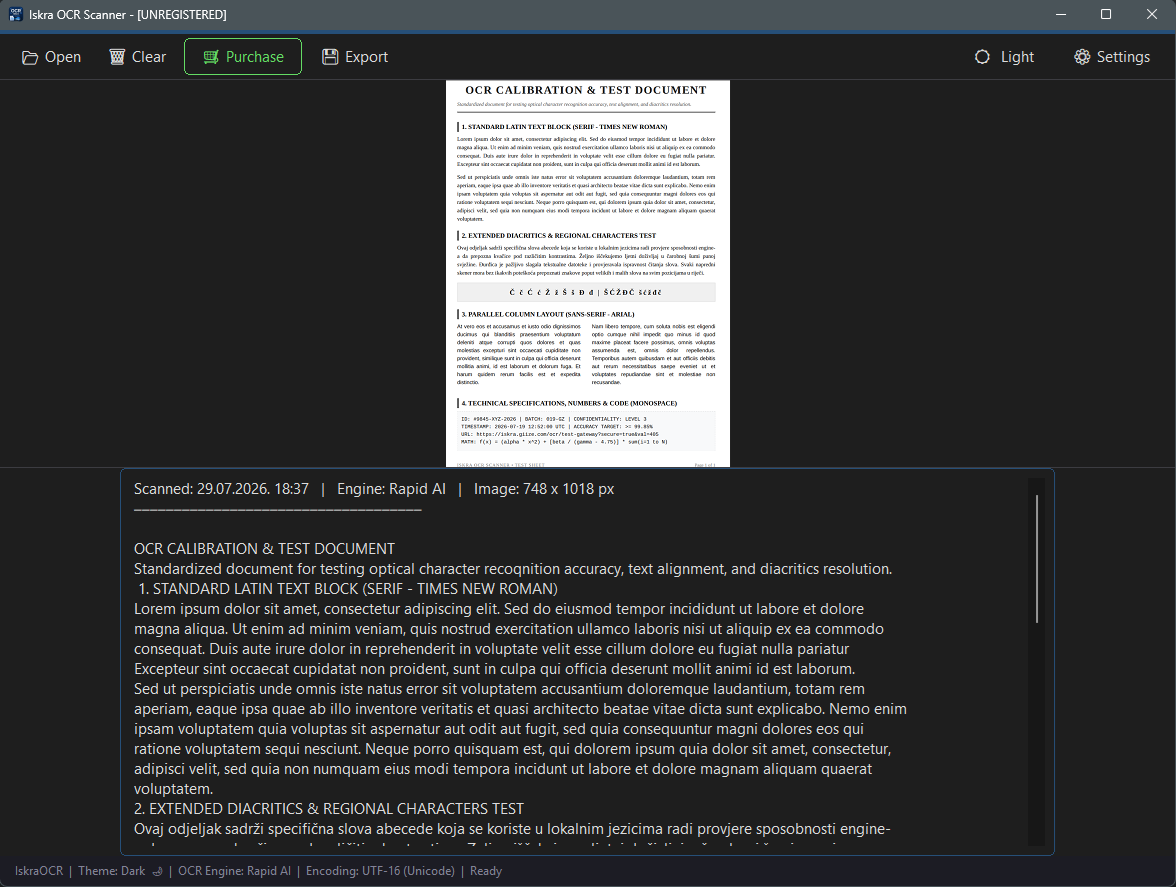
Offline deep scanning AI model. Delivers high accuracy for complex layouts and diacritics without internet.
Advanced cloud recognition using your own API key. Broadest language support for heavy-duty tasks.
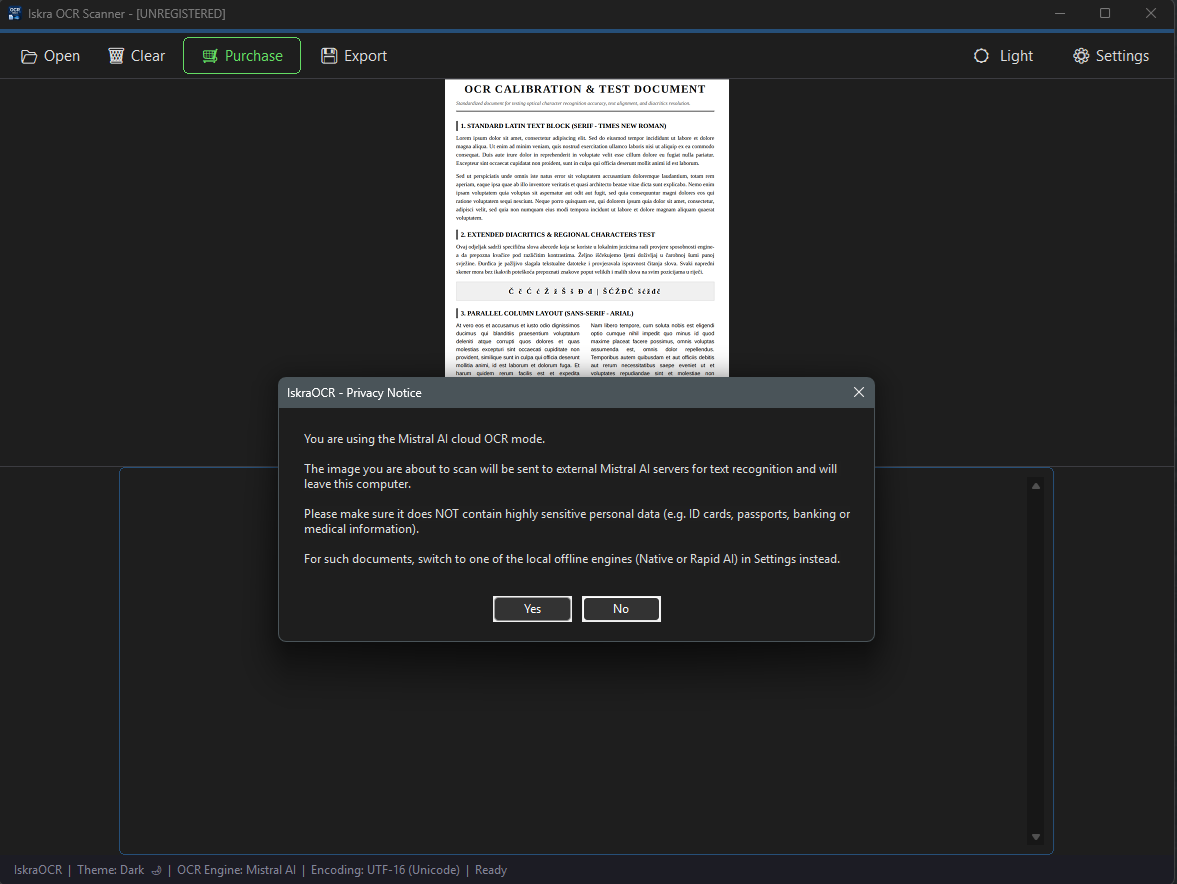
Simple, clear options and explicit warnings, so you always know when your data stays offline and when it goes to the cloud.
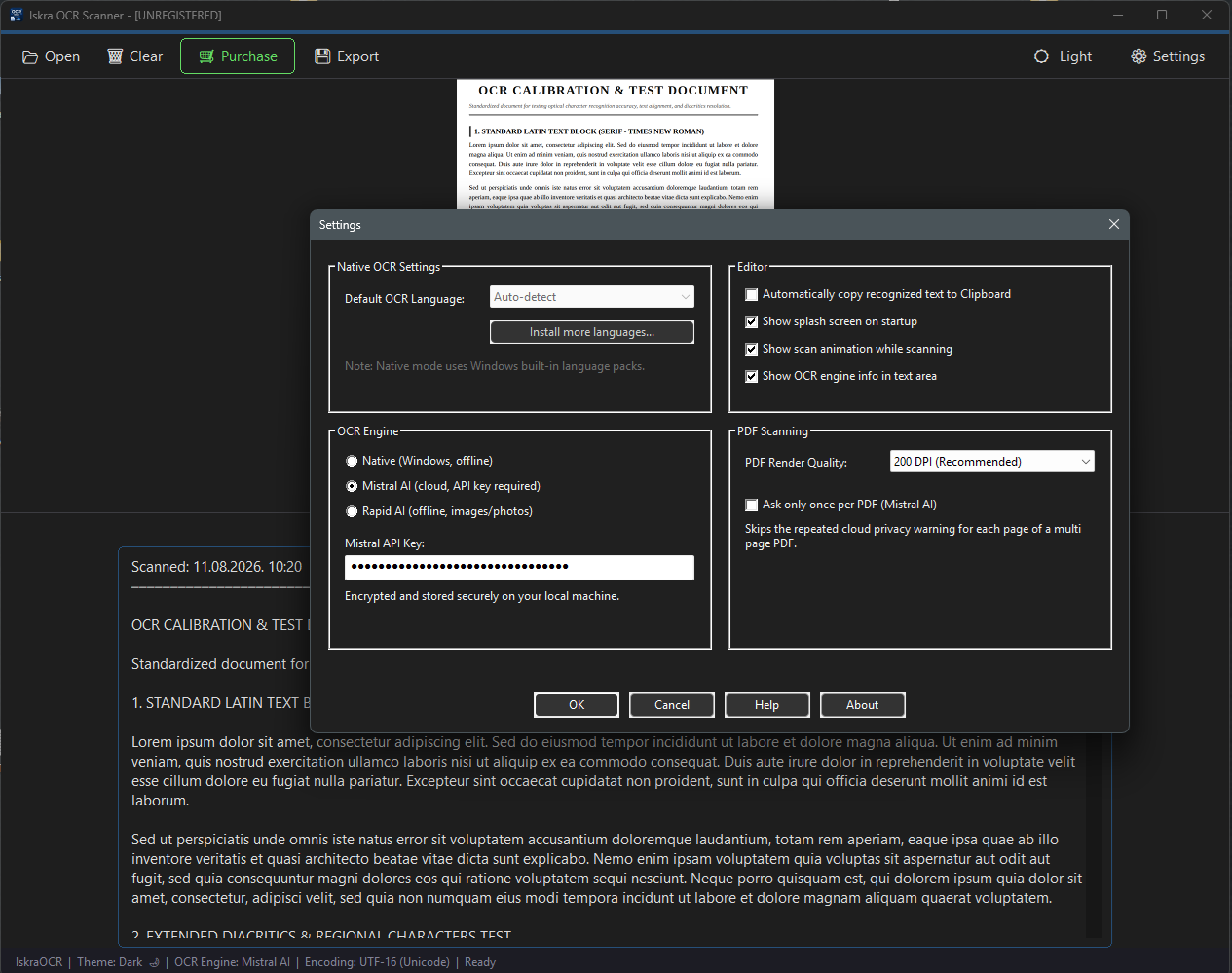
Easily switch default engines, select recognition languages, and manage preferences in a streamlined interface.
Zero silent cloud requests. Before sending any document to Mistral AI, Iskra clearly prompts you for confirmation to ensure your sensitive data is never uploaded by accident.
Windows 10 / 11 · x64 Architecture · Native App
Iskra OCR Scanner is live and ready to install. Full access to all three OCR engines and PDF scanning, no time limits, no locked features.
Get it on Microsoft StoreIskra OCR Scanner runs as Unrestricted Shareware. Use it forever with full access to every engine and tool - a one-time lifetime license removes the "[UNREGISTERED]" notice.
Privacy: No personal data collected. Local engines process images entirely on your PC.